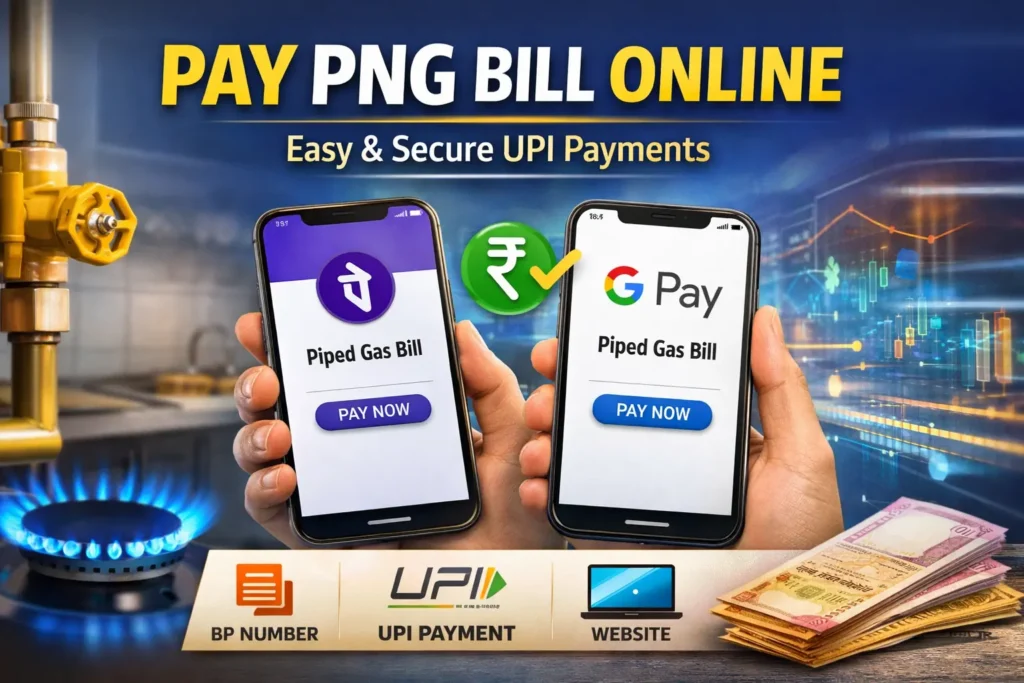

In today’s digital era, managing utility bills has become extremely simple. If you are using a piped natural gas connection, it is important to understand how to Pay PNG Bill Online quickly and securely. With the rise of UPI platforms, you no longer need to visit physical offices or stand in long queues. You can complete your payment in just a few taps using your smartphone.

Many gas providers in India now offer complete digital services, from applying for a new connection to paying monthly bills. Trusted platforms and official websites have made the process seamless and user friendly.
Why You Should Pay PNG Bill Online
Choosing to Pay PNG Bill Online offers several benefits. It saves time, provides instant confirmation, and ensures secure transactions. You do not need to install any separate application because popular UPI apps like PhonePe and Google Payalready support piped gas bill payments.
You can also visit official websites of gas providers such as Indraprastha Gas Limited to make payments directly using net banking, debit card, or UPI.
What You Need to Pay PNG Bill Online
Before making a payment, ensure you have the following:
- BP Number which is a 10 digit Business Partner Number
- Active UPI app or access to official website
- Stable internet connection
The BP number is usually printed on the top section of your gas bill and is essential for fetching your billing details.
How to Pay PNG Bill Online Using PhonePe
Follow these simple steps to pay your bill via PhonePe:
- Open the PhonePe app on your smartphone
- Navigate to the Recharge and Bills section
- Select Utilities and tap on Piped Gas
- Choose your gas provider such as Indraprastha Gas Limited
- Enter your BP Number
- Verify the bill details displayed on the screen
- Click on Proceed to Pay and complete the transaction
How to Pay PNG Bill Online Using Google Pay
You can also use Google Pay to complete your payment:
- Open Google Pay
- Go to the Bills or Payments section
- Select Piped Gas under utilities
- Enter your BP Number or Customer ID
- Check your bill details
- Tap on Pay and confirm the transaction
The steps may vary slightly depending on your gas provider, but the process remains simple and quick.
Pay PNG Bill Online via Official Website
For those who prefer direct payment through official sources, you can visit the website of your gas provider like Indraprastha Gas Limited. Here you can:
- Log in to your account
- Access your bill details
- Pay using UPI, cards, or net banking
Key Benefits of Online PNG Bill Payment
- No need to stand in queues
- Instant payment confirmation
- Safe and secure transactions
- Easy tracking of payment history
Important Tips for Safe Payment
- Always use official apps or trusted websites
- Double check your BP Number before paying
- Avoid making payments on public WiFi networks
- Keep a screenshot or receipt for future reference